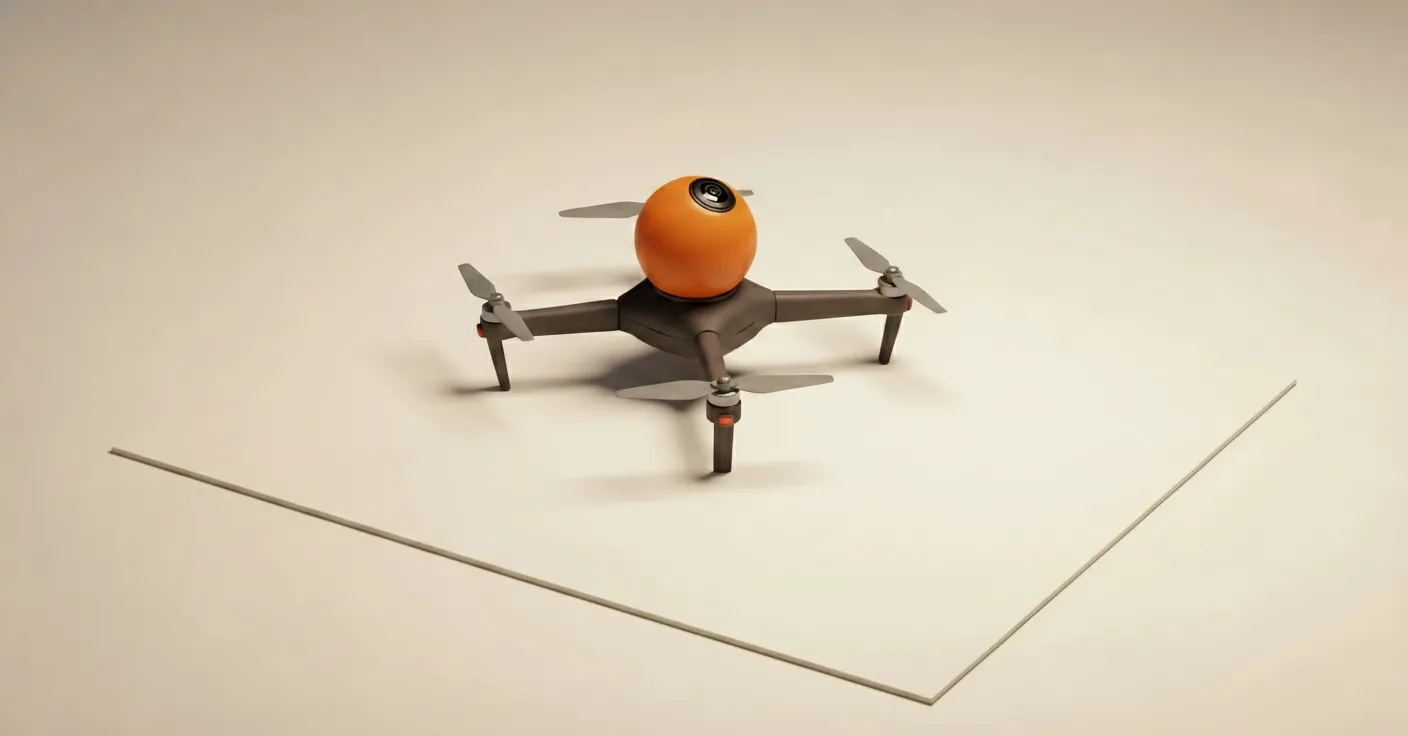
Last week I flew a small drone through an old building. The drone had a 360 camera. Forty minutes later I was looking at the building on my laptop, rotating the view, noticing ceiling joists I had not noticed standing under them. The capture is the easy part. What it means is the harder part.
The file I was looking at is called a Gaussian splat. It is not a photograph, not a video, not a 3D model in the sense most people working in 3D would mean. It is a new and slightly strange medium, and the working assumption I am operating on is that it is the fourth member of a small family. Pictures, moving pictures, audio recording, splats. Three of those took about a century each to mature from invention to mass adoption. The fourth is at year three.
This is the long write-up. It covers what splats are, why they exist, how they work under the hood, the workflow I have been putting together with a 360 drone, and the case I want to make to heritage organisations specifically.
01 · The thing that breaks the old way
Three-dimensional capture has been a working discipline for forty years. The mainstream technique is photogrammetry. You take many overlapping photographs, software solves where each camera was, points in the scene get triangulated from the parallax between them, and you end up with a sparse cloud of 3D points. Connect the points into a mesh. Project the photographs as texture. You have a model.
It has been good enough, for some definition of good, for a long time. Heritage scanning uses it. Archaeology uses it. VFX scouts use it. The output behaves itself: meshes are mature exchange formats, every renderer eats OBJ files, every game engine eats FBX.
It also looks wrong. A photogrammetry scan of an apple shows you the same colour from every angle. That is not how reality works. Real light bounces off surfaces in directions that depend on where the light came from, where the surface is, and where your eye happens to be. Highlights move when you move. Reflections are not stuck in place. Photogrammetry bakes one colour per surface point and shows you that colour from every direction. The result reads correct in shape and wrong in light.
The honest fix used to be: take the photogrammetry mesh into a rendering pipeline, rebuild the materials by hand, set up shaders, light the scene, render. That is hours per shot. Sometimes weeks. The reason heritage scans look like 3D models from a video game, when you have seen the actual place and know what it should look like, is this view-dependency gap. Photogrammetry captures geometry. It cannot capture light.
02 · The shift in thinking, briefly
Around 2020, a different idea got traction. Instead of capturing the geometry and then trying to compute the light separately, what if you captured the light itself? Not as a property of surfaces, but directly: for every point in space, store how much light is leaving that point in every direction. Mathematically:
L(x, θ, φ) → colourFor every point x in space and every viewing direction (θ, φ), you have a colour. This is called a radiance field. It does not store geometry. It stores light. View-dependency is built in by construction. Move your camera, the captured light naturally changes, because the direction in the function has changed. No shaders, no relighting, no rendering pipeline. You just play the function back.
The first widely-adopted implementation was neural radiance fields, or NeRFs (Mildenhall et al., ECCV 2020). The radiance field was represented as a small neural network. To render a single pixel you had to query that network many times along a ray from the camera and integrate. It worked. The output was, for the first time in 3D capture, properly photoreal.
It was also slow, hard to edit, and not really a 3D scene in any sense you could pick up and manipulate. A NeRF is a function you keep asking questions of. For roughly two years it was the hot thing in graphics research. Then in mid-2023 something fundamentally better arrived. The rest of this essay is about that.
03 · What a Gaussian splat actually is
The paper is Kerbl, Kopanas, Leimkühler and Drettakis, SIGGRAPH 2023. The abstract describes a method for representing a 3D scene as a collection of anisotropic Gaussians, optimised differentiably against input photographs. That sentence undersells it. What they did was solve, at once, photorealism, real-time rendering, and editability.
Mechanically: a splat is a cloud of fuzzy 3D blobs. Each blob, a Gaussian, lives at a position in 3D space (its mean, conventionally written μ). It has a shape, which is mathematically a 3 × 3 covariance matrix that describes an ellipsoid (intuitively, how stretched, in what orientation). It has an opacity α. And it has a colour, but the colour is the clever bit and gets its own paragraph.
The colour-per-Gaussian problem is the same problem photogrammetry could not solve: light leaves a surface in different amounts in different directions, so colour is a function of viewing direction, not a single value. Storing every possible (direction, colour) pair would be infinite data. The solution Kerbl et al. used is called spherical harmonics, which is a mathematical basis for functions defined on a sphere. Each Gaussian stores one base colour and a small set of coefficients (48 numbers, in the original paper). Combining those coefficients reconstructs the colour from any viewing direction. Fourier series, but for the surface of a sphere instead of a 1D line. Same compression principle, same idea.
A scene typically contains one to ten million of these Gaussians. The file size is comparable to a short 4K video. The render path is simple enough that it runs in real time on consumer hardware, including phones, including browsers.
When you zoom in on a splat scene close enough, the individual Gaussians become visible: fuzzy ellipses of various sizes and colours, overlapping. From a normal viewing distance, the brain integrates them into photoreal imagery. The analogy I keep reaching for is brush strokes. From close up, a painting is daubs of pigment. From a step back, it is a face. The same is true of a splat. The pigment, in this case, is being optimised by software so that the rendered image matches the input photographs as closely as possible. Painting at scale, by least-squares.
04 · The capture problem, and why it decides everything
A splat will only contain what your cameras saw. Anything you did not photograph from multiple angles will be missing, or worse, hollow in a way that you only notice when you fly the virtual camera around and see a void where there should be a ceiling.
For a single object on a table this is easy. Walk around it, capture from every height, done. For a building or a courtyard the same principle becomes exhausting. You need the floor and the walls and the underside of every arch and the tops of the columns and the shaded corners and the parts you can only see by leaning over a balcony.
Conventional drone capture handles some of this. You fly multiple loops, varying the camera direction each time, then stitch the results. The honest assessment is that it is tedious, eats batteries, and produces inevitable coverage gaps where the loops did not quite overlap. A simple courtyard takes two batteries and a stitch. A complicated interior takes four and still has holes.
The 360 drone fixes the geometry of the problem. A 360 camera sees in every direction simultaneously. One continuous fly-through captures the full sphere of view at every moment along the path. The tracker, on the other end, has dense overlap to work with no matter where it looks. Where I used to fly the same space six times, I now fly it once. Half the battery, double the coverage, far better data for the structure-from-motion stage.
The drone I am flying is the DJI Avata 360. Released in 2025, first-person flight, 360 capture as a first-class feature rather than a bolt-on. The features I actually use are the obvious ones: locked exposure, time-lapse mode, repeatable flight paths so I can re-fly a known good route on a return visit. The features I do not use are the cinematic presets; they exist for footage you will edit, not for data sets you will train splats on.
05 · The actual workflow
This is the bit that the YouTube videos skip. I will be honest about each step, including the bits that take longer than they should.
Step 1, fly. One continuous take in 360 mode. Time-lapse on, locked exposure, locked white balance, ND filter off. Five to ten minutes for a medium-sized space. I fly a slow downward spiral, so the same surface appears in many frames from many angles.
Step 2, export. DJI Studio handles this. Drag the clip in, export as equirectangular MP4, no motion smoothing, no auto-anything. The output is the standard 360 video projection, the full sphere wrapped onto a rectangle.
Step 3, convert to a cubemap. This is the part nobody puts in the explainer videos. Most structure-from-motion tools cannot read equirectangular footage natively. You have to convert each frame into six flat views: front, back, left, right, up, down. Either Insta360 Studio handles this, or you run a Python script. It is genuinely annoying. It is also genuinely necessary. The amount of time I have spent on this step relative to everything else is comically disproportionate.
Step 4, track. Of the structure-from-motion tools, Metashape is the only one I trust on cubemap-converted 360 data. It produces the camera positions and the sparse point cloud. About forty minutes for a medium site on a recent machine.
Step 5, train. Postshot is the one-stop tool I am currently using. Drop the project in, default settings, leave it overnight. Four to six hours on a recent GPU. This is the hands-off step, and the part where the magic actually happens. The Gaussians are initialised from the point cloud, then iteratively adjusted so that the rendered scene matches the input photos. By morning you have a finished splat.
Step 6, clean. Open in SuperSplat (free, browser-based). Delete floating Gaussians from windows, the ghost of a person who walked through during capture, any halo artefacts around reflective surfaces. Five to fifteen minutes of cleanup.
Step 7, publish. SuperSplat’s host gives you a URL. Anyone with a browser can fly through the scene. Load time is seconds. No app to install.
End-to-end, a small site is a day of compute and an hour of my time. A complicated site is two days of compute and three hours. There are pieces of this workflow that will get faster: the 360-to-cubemap conversion will be automated soon, the training time will fall as GPUs improve. None of this is five-year-out. It is doable now.
06 · The case for heritage, made plainly
The heritage sector already does 3D documentation. Lidar, photogrammetry, structured light. The outputs are accurate, useful for measurement, structurally sound. They also look wrong, for the reasons section one set out. A photogrammetry mesh of a fresco loses the subtlety of the surface. A lidar scan of a vaulted ceiling renders without the play of light that defined how that ceiling has been experienced by everyone who ever stood under it.
A Gaussian splat preserves the light. Which is, on reflection, what we mostly remember about a place.
The four cases I keep coming back to:
Sites at risk from climate. Coastlines moving, peat bogs drying, vernacular buildings weakening. The capture is fast enough now that a small team could systematically scan a region’s at-risk sites in months rather than decades.
Interiors before restoration. Most restoration is a sequence of choices. Capturing the room as it is, before, settles future arguments about what was actually there. Murals especially, because pigment colour is exactly what other media flatten.
Demolitions and renovations. A building scheduled to be gone in eighteen months is a candidate for systematic capture today. The scan outlives the structure.
Living spaces and traditions. Workshops with the tools and dust in place. Markets in mid-trade. Ceremonies in their proper locations. The splat captures the place as practiced, not the place as displayed.
What makes splats specifically suited to all four, where existing tools are not, is the combination of four properties: capture speed, file size, viewer accessibility, and visual fidelity. Other workflows hit two of those four. Splats hit all four. The mix is, as far as I am aware, novel.
The question for institutions is what to commission first. Most of them, at the time of writing, are not aware they could.
07 · The other places this is going
I want to mention three uses outside heritage, briefly, because they are coming fast and affect the same conversation.
Virtual production. LED-volume stages need photoreal backgrounds rendered in real time. Traditionally these are built as 3D environments in Unreal Engine, expensive in artist time, never quite looks captured. A splat is captured. Loaded into Unreal Engine 5.5 or later (which has native splat support, no plugins), it renders at frame rate and the camera tracking updates the perspective live. You shoot on location without leaving the studio. Productions using splats in LED-volume work include several feature films and adverts shot through 2025.
Render acceleration. Path-traced renders can take hours per frame. The inputs to a render are conceptually the same kind of multi-view data set a splat training pipeline wants. Render the scene from a few hundred camera positions, train a splat on those renders, and you have a representation that plays back in real time, viewable from any angle, on consumer hardware. Hours of rendering once. Sixty frames per second forever.
4D splats. Add time. Each Gaussian carries a velocity and a time-span. Instead of replaying frames, the splat itself animates. Companies like 4DV.AI are building this with multi-camera capture stages. The result is, accurately, a hologram you can walk around. Compression is good enough that a full-stage capture streams at thirty to sixty megabits per second, which is well within phone budgets.
These three are not yet in my workflow. They are in the workflow of larger studios already, and they will reach the rest of us within roughly the period it took splats to go from paper to phone (about two years).
08 · The honest limits
There are several. I want to be straight about them.
Specular surfaces still cause problems. Polished marble, brass, water, anything that returns light highly directionally. The optimiser does its best, but the result is sometimes a halo of incorrect Gaussians around the reflective patch. Workarounds exist (polarisers, multi-condition capture, CGI compositing), but they are work.
Moving things are a problem. Leaves in wind, people walking through, light shifting as a cloud passes the sun. The optimiser cannot reconcile a scene where the bench was empty at 14:02 and occupied at 14:04. Sometimes it ghosts. Sometimes it blurs. Choose your moments.
Indoor lighting is harder than outdoor. Mixed colour temperatures, low light, tungsten next to LED. The exposure-locked discipline that works outside is harder to maintain inside.
The 360-tracking step is still the bottleneck. Tooling will catch up. Right now it is the step that turns a casual practitioner into someone with a Python tab open.
The legal and ethical questions are not solved. Who owns a scan of a site? What happens when the site is on private land, or sacred, or both? Capture is so cheap now that the norms have not kept up.
None of these is a blocker. All of them are reasons the workflow needs more practitioners, not fewer.
09 · What I am doing next
Two things, in parallel.
The first is a small pilot on a specific site. I am in early conversations with a heritage organisation about scanning a structure they care about, both as it stands today and at six-month intervals over the next year. The aim is to demonstrate the workflow at the scale of a working document, not just a one-off scan, and to learn what changes when capture is repeated. Repeat capture is, in my view, the use case that will actually make this go.
The second is technical. The 360-to-cubemap conversion needs to be a one-button thing. I am writing a small tool, vibe-coded over a few evenings, that takes the equirectangular MP4 directly and outputs a Metashape-ready data set in one pass. If it ends up usable, it goes on GitHub.
The reason both of these matter is that the technology is mature enough to be used today. The constraint is no longer the tools. The constraint is the workflow knowledge, and the institutional question of which sites should be captured first.
That last one is not a question I can answer from Brighton. If you work in a heritage organisation, a museum, an archive, a city council that owns a building you suspect will not see the end of the decade, get in touch. I am interested.
Notes and corrections welcome at contact@chrischowen.com.